Move Windows 11 Taskbar
the first thing you will notice about Windows 11 is the Taskbar being center instead of to the left as Windows has been for years.

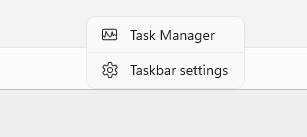
If you would rather have the taskbar to the left it is very easy to do. Right click anywhere on the taskbar and select Taskbar Settings.
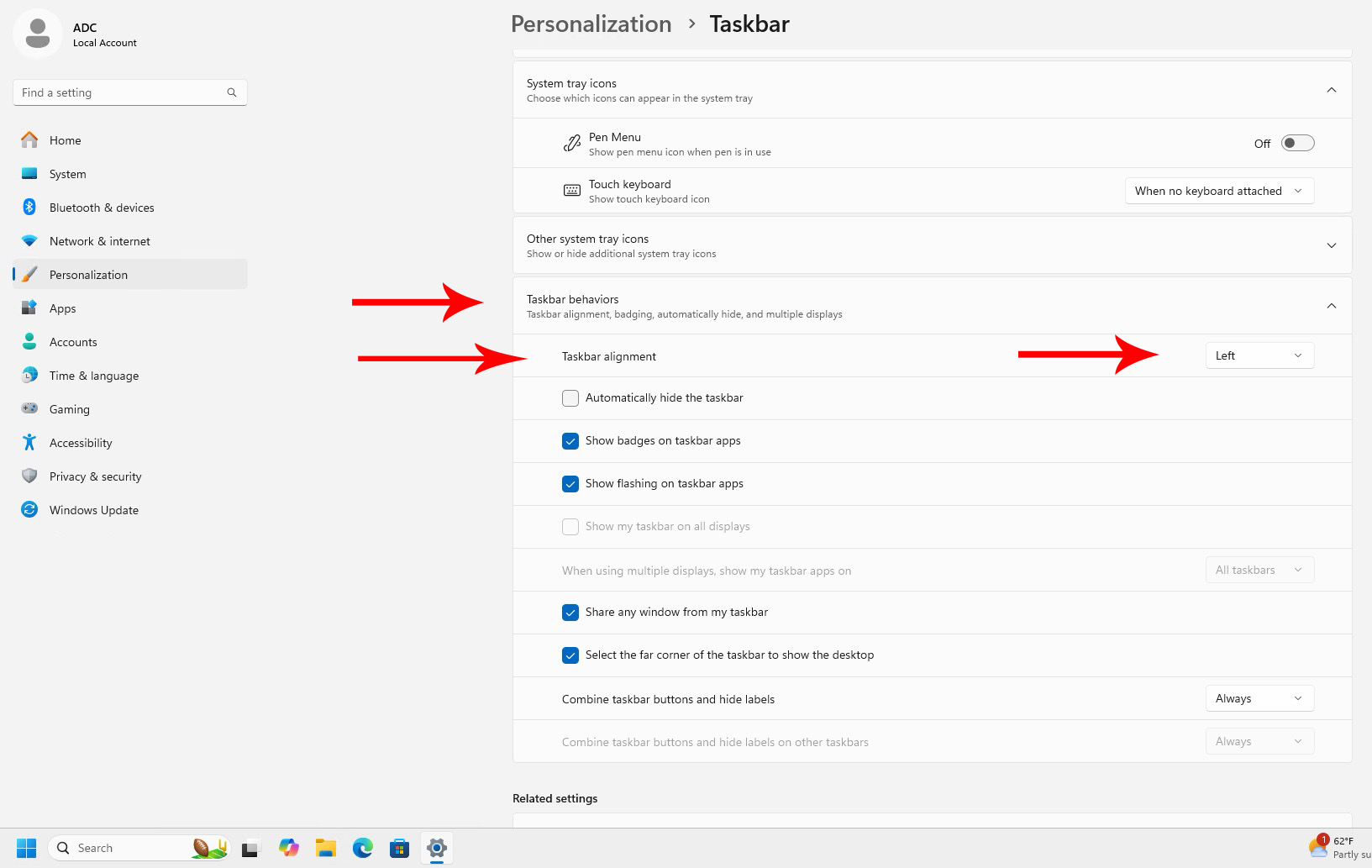
From the Taskbar settings, select Taskbar behavior, Taskbar alignment, and change it from Center to Left.
Close out the settings window and your taskbar will now be to the left.